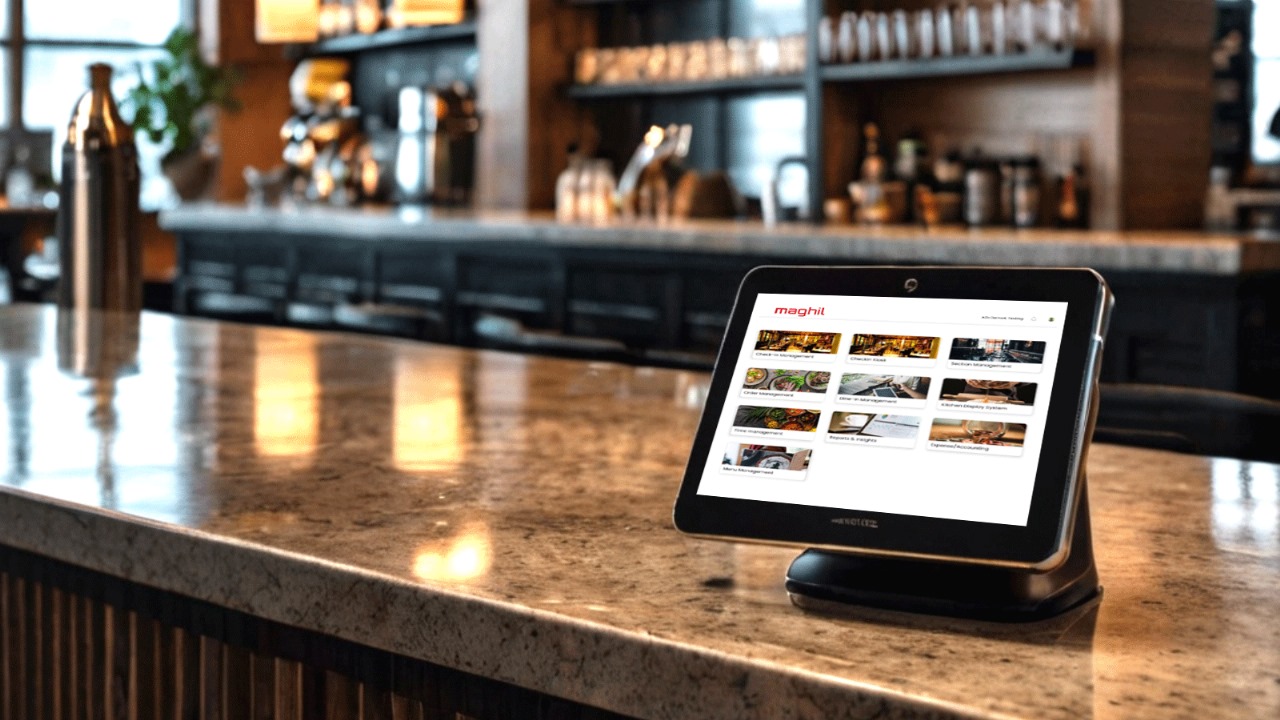
The success of a takeout business hinges on efficiency, speed, and accuracy. One tool that can significantly enhance these aspects is a Point of Sale (POS) system. But simply having a POS isn’t enough — integrating it with online ordering platforms is what makes it a game changer. In this article, we will explore how POS integration can streamline your takeout operations, increase efficiency, and boost profitability, with a focus on integrating your system with Maghil POS.
What is POS Integration?
POS integration refers to the process of connecting your Point of Sale system with various other platforms such as online ordering systems, accounting software, and inventory management tools. The goal of POS integration is to centralize your business operations, reduce manual processes, and ensure all systems work together seamlessly.
In a takeout business, this means that your POS can automatically receive online orders, update inventory in real time, and process payments across different channels without any additional manual entry. A well-integrated POS ensures that the entire order process, from customer input to fulfillment, is smooth and error-free.
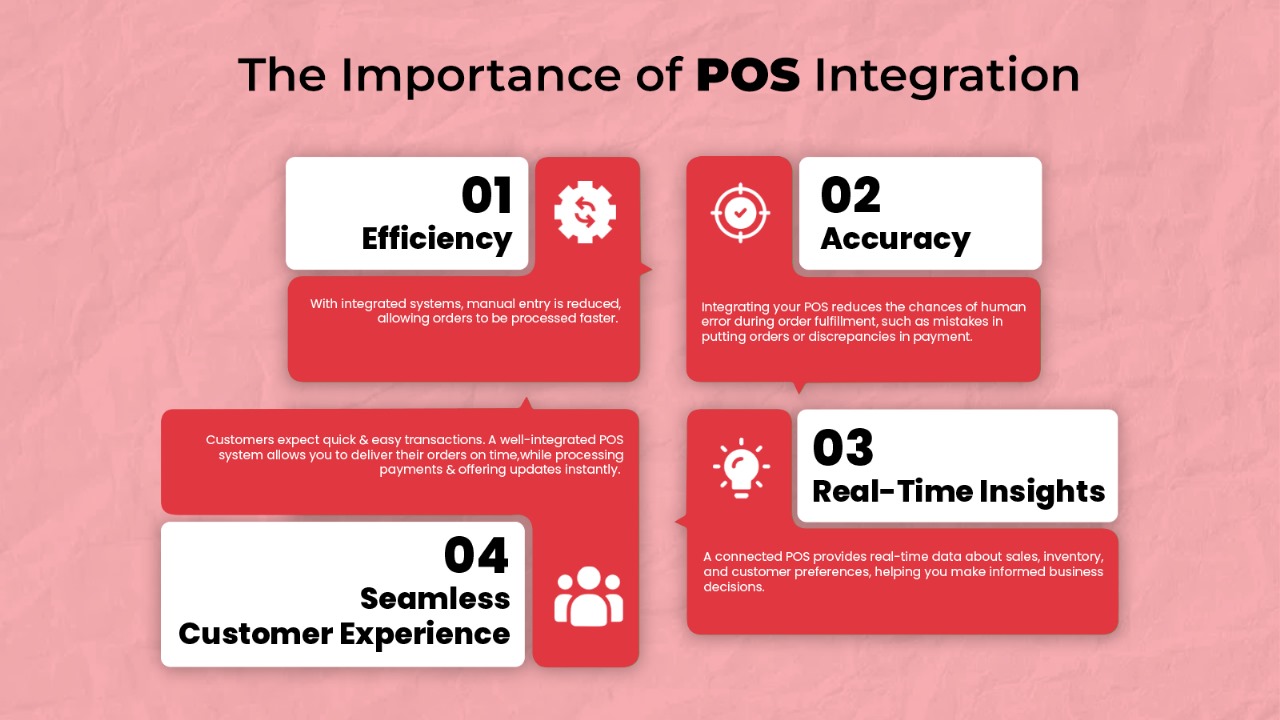
Why POS Integration is Important for Takeout Businesses
POS integration is crucial for takeout businesses for several reasons:
- Efficiency: With integrated systems, manual entry is reduced, allowing orders to be processed faster.
- Accuracy: Integrating your POS reduces the chances of human error during order fulfillment, such as mistakes in inputting orders or discrepancies in payment.
- Real-Time Insights: A connected POS provides real-time data about sales, inventory, and customer preferences, helping you make informed business decisions.
- Seamless Customer Experience: Customers expect quick and easy transactions. A well-integrated POS system allows you to deliver their orders on time, while processing payments and offering updates instantly.
Essential Features to Consider in a POS System Like Maghil
When choosing a POS system for your takeout business, it’s important to ensure it includes key features specifically tailored to optimize online ordering and takeout processes.
Maghil POS is a great example of a system that comes equipped with these essential functionalities.
- Online Ordering Integration: A system that seamlessly integrates with online ordering platforms is crucial for accepting orders from websites and mobile apps.
- Inventory Management: Real-time inventory tracking helps you stay updated on stock levels, ensuring you never run out of key ingredients.
- Sales Analytics: The ability to generate detailed sales reports can help you identify trends, high-demand products, and optimize your menu for profitability.
- Customizable Menu Options: Being able to quickly adjust or update your menu across all online platforms from your POS is key to managing a takeout business.
- Customer Information Gathering: Collecting customer data enables personalized service and targeted marketing campaigns.
Benefits of Integrating Maghil POS with Online Ordering
Integrating Maghil POS with your online ordering system offers a variety of benefits that will streamline your takeout operations:
- Real-Time Order Processing: Online orders are directly sent to your POS system, eliminating the need for manual entry and reducing delays.
- Synchronized Menu: Any changes to your menu in the POS are automatically updated on your online ordering platforms, ensuring consistency.
- Improved Inventory Management: When integrated with your online ordering system, Maghil POS automatically updates stock levels in real-time, helping you avoid over-selling items that are out of stock.
- Faster Checkout: With a fully integrated POS system, payment processing is streamlined, allowing for a faster checkout experience for your customers.
- Data-Driven Decisions: Integration gives you access to comprehensive data from both in-store and online sales, enabling you to make better business decisions.
How to Implement Online Order Integration Successfully with Maghil POS
Successfully integrating your online ordering system with Maghil POS requires a few steps:
- Choose the Right Platforms: Ensure that your online ordering platform is compatible with Maghil POS. Many systems offer API connections that allow smooth integration.
- Sync Menus and Prices: Make sure your menu and prices are synchronized across both your POS and online platforms. This ensures consistency and prevents customer confusion.
- Test the System: Before going live, test the integration to ensure that online orders are flowing smoothly to the POS and that payments are processed correctly.
- Train Your Staff: Provide adequate training to your staff to handle the new integrated system effectively. This will reduce errors and improve efficiency.
- Monitor and Optimize: Regularly monitor the performance of your integrated system and make adjustments as needed, whether it’s improving order flow or optimizing delivery times.

Maximize Revenue by Integrating POS and Online Ordering
Integrating your POS with online ordering doesn’t just improve efficiency — it also opens up opportunities for increasing revenue:
- Faster Turnaround: An integrated system speeds up the order process, enabling you to serve more customers in less time.
- Upselling Opportunities: With online ordering, you can add upselling prompts (e.g., suggesting additional items at checkout) to increase the average order size.
- Accurate Reporting: A unified POS system provides better sales insights, allowing you to identify best-sellers and high-margin items for promotion.
- Better Customer Retention: Use customer data from the POS to offer loyalty programs, targeted promotions, or personalized recommendations, driving repeat business.
Third-Party Online Ordering Integration for Your Takeout Business
Many takeout businesses partner with third-party platforms such as UberEats, DoorDash, or GrubHub to extend their reach. Integrating Maghil POS with third-party ordering platforms offers several benefits:
- Centralized Management: Orders from all third-party platforms are funneled directly into your POS system, allowing for easy management and reduced chances of errors.
- Reduced Errors: By integrating your POS with third-party platforms, orders go directly into the system without manual entry, reducing the risk of mistakes.
- Data Consolidation: You’ll have access to consolidated data from various platforms, making it easier to assess performance and improve business operations.
Conclusion
Integrating your POS system with online ordering platforms is no longer optional for takeout businesses — it’s a must. An integrated POS like Maghil POS allows for faster processing, real-time inventory updates, better customer service, and accurate sales reporting. It is the key to maximizing efficiency, enhancing customer experience, and increasing your revenue.
FAQs
How does POS integration improve the customer experience?
POS integration improves the customer experience by speeding up order processing, ensuring orders are accurate, and providing a seamless, convenient way to pay, both online and in-store.
How can POS integration help boost my takeout revenue?
POS integration increases revenue by reducing order errors, speeding up order fulfillment, enabling upselling opportunities, and providing data insights that help optimize menu offerings and promotions.
What are common challenges in integrating POS with online ordering?
Some common challenges include technical compatibility between platforms, synchronization issues with menus, and initial staff training to manage the integrated system efficiently.
Can Maghil POS help with inventory management and cost control for my takeout business?
Yes, Maghil POS offers real-time inventory tracking and alerts for low-stock items, helping you manage costs by avoiding over-ordering or stockouts.

 MAGHIL